Features
Make the everyday cases smooth — and account for the times you have no connection.
Five layers, tried in order
It starts at the local cache and only hands off when a layer can't answer, with AI last. Every result is labelled with its source, so you know how you got it and when it cost you something.
Works with no connection
Dictionaries, memory and offline models all live on your machine. On a plane, behind a firewall, out of signal — translation carries on instead of handing you an error.
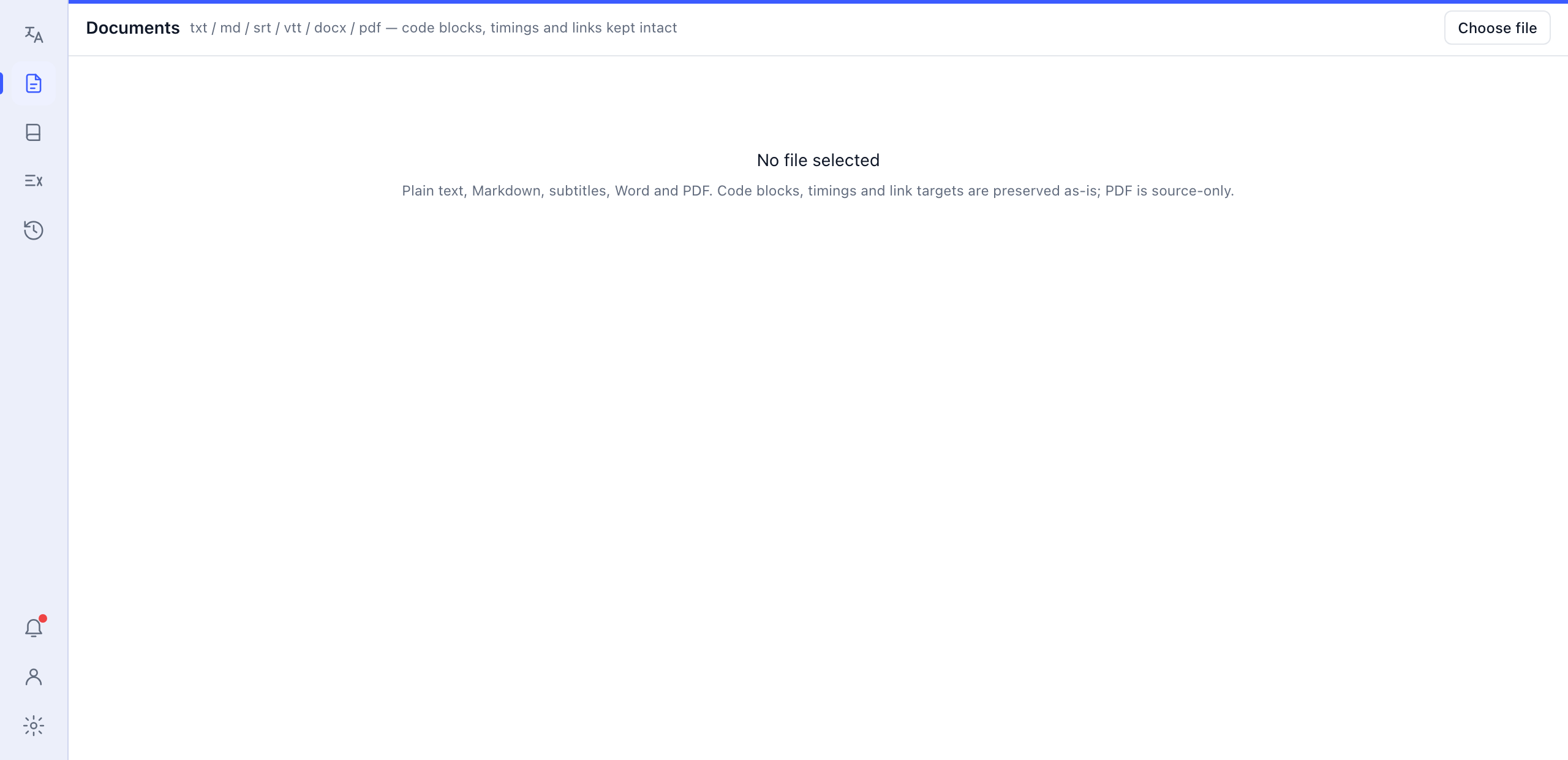
Whole documents
txt, Markdown, subtitles, Word and PDF. Code blocks, timecodes and URLs survive intact, and you can export a bilingual PDF when it's done.
Real lookups, not blunt machine output
Type a word and you get a proper dictionary card: pronunciation, part of speech, multiple senses, examples. You can also see how the same idea is expressed in other languages.
Make it follow your rules
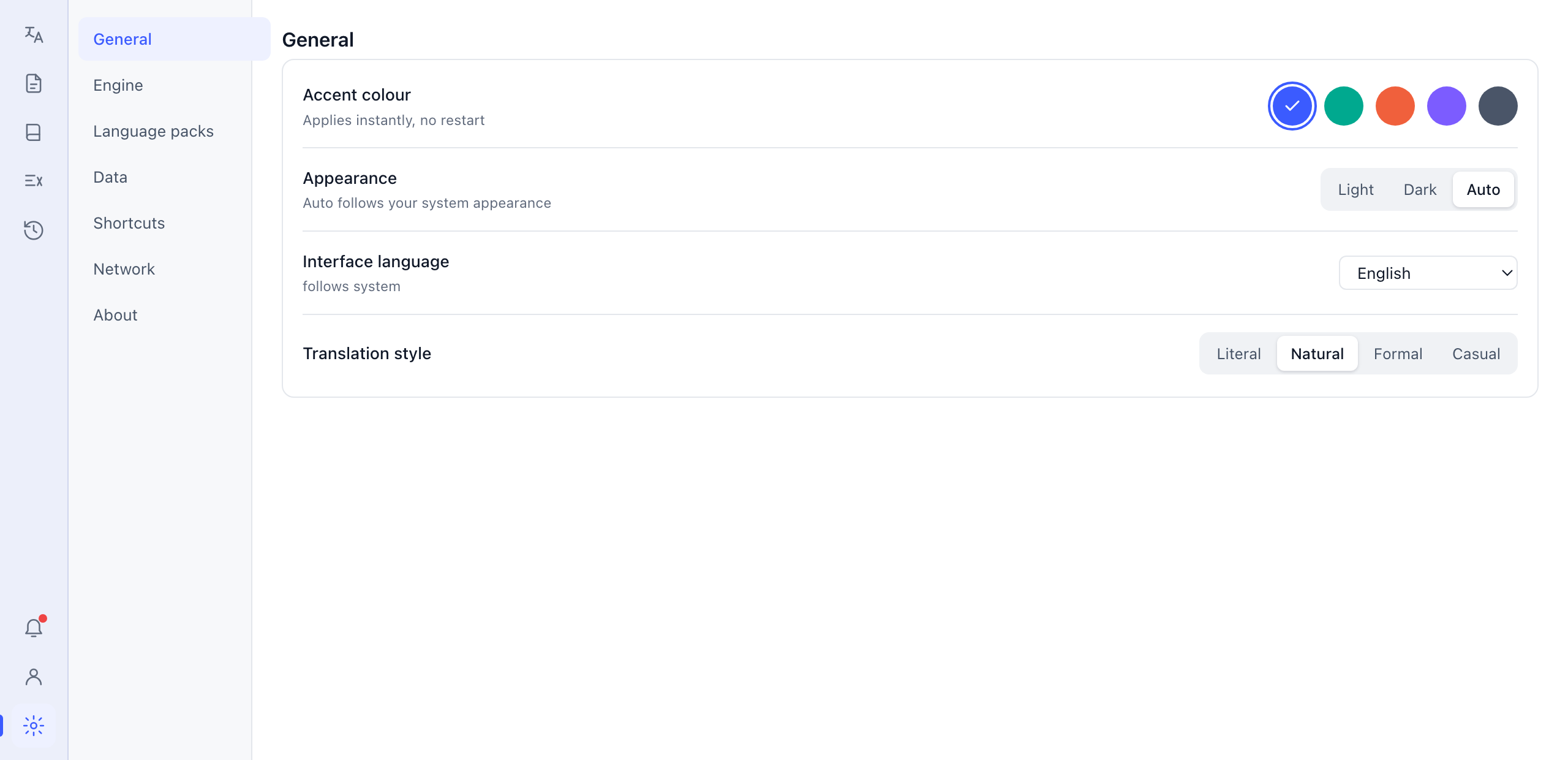
A glossary makes product names and model numbers follow the table exactly, or stay untranslated. Choose a literal, natural, formal or conversational style.
The convenient bits
A hotkey to translate whatever you've selected, a floating button, screenshot capture, clipboard watching — no need to switch to the app window first.
Ready?
The free tier gives you offline dictionaries and translation memory without an account.